

Introduction
The primary way to view content is now streaming. In 2026, the majority of users are choosing an online platform over cable television. But streaming services that are paid continue to increase. This drives individuals to seek the best free movie apps. Because, as we all know, the streaming services that are paid for put immense pressure on your pocket.
Castle is one such option — a free, user-friendly streaming app for Android that gives access to movies and shows without any subscription. Many users are unsure about how to download it safely and where to find the official version. This guide clears that up.
An Overview of The Castle App
The Castle is a free movie streaming application. It is aimed at Android users who wish to have easy access to content. It is compatible with HD streaming and can be used well even on mediocre internet connections. Other, more demanding applications require high-speed networks and storage. The interface is clean and easy to navigate, making it simple to find and stream content.
Use The App Safely
While using the app, you can ensure your safety with some very simple steps. For example, you should always download Castle APK from the official Castle website. Avoid third-party links or modified APK files, as these may cause installation errors or security issues. No VPN is required to use Castle — the app works normally on most major networks. If Android shows a Play Protect warning during installation, tap "More details" then "Install anyway." This is a standard warning for any APK installed outside the Play Store. You do not need to disable Play Protect completely. These are some simple but effective methods.
Download & Install Castle in Simple Steps
These are the four simple steps to download Castle. They are simple and require a few minutes.
Step 1: Go to the Official Site and download the APK
Open your Android device's browser. Go to the official Castle website. Locate the download button on the home page. To begin downloading, tap it. The size of the APK file is approximately 54.2 MB. It can be downloaded quickly on most connections.
Step 2: Activate Unknown Sources
Android does not enable third-party app installations. It requires changing a setting. Go to Settings on your phone. Find the Security or Privacy section. Find Install from Unknown Sources. Turn it on. This enables the APK to be installed.
Please note that on Android 8.0 and above, you do not need to change this setting in advance. Simply tap the APK file and grant the install permission when the prompt appears.
Step 3: Find File & Install
Go to the file manager of your device. Click on your Downloads folder. Find the Castle APK file. Tap on it. A pop-up will be presented asking you to install. Tap Install. The process takes only a few seconds. The application will be installed on your device in no time.
Step 4: Installation and start-up
Open the Castle app after installation. It can demand some permissions. Allow them to make full use of the app. Open Castle and start streaming immediately. No account or login is needed. Now you are prepared to watch online movies free of charge.
Explore the app, the search features, download free movies, the navigation features, and all other viewing facilities to find your desired content. That’s it.
Why Free Streaming Apps Are Trending in 2026
The streaming market is saturated in 2026. Major streaming platforms continue to raise their subscription prices, pushing users toward free alternatives that offer similar content without monthly fees. Now, users pay for a lot of services simultaneously to stream movies online. This is referred to as subscription fatigue. Because you have to take multiple subscriptions to get access to a large variety of content.
This gap in the market is filled with free movie streaming apps. They provide movies and shows free of charge to users. The number of people who are resorting to these sites is increasing each year. The Castle belongs to this new age trend. It offers free access without any subscription, making it one of the most liked streaming apps.
Latest Version of Castle
v2.1.0
The most recent version of the Castle streaming app is v2.1.0. It is an improvement on the previous version. This release is stability and performance-oriented. The developers conducted many bug fixes. Castle APK is compatible with Android 6.0 and above, covering the vast majority of Android devices in use today.
The process of content browsing is quicker in this free movie platform. The changes between pages are less noticeable. The application is now optimized for bigger screens. The experience is more uniform on the phones, tablets, and televisions. This version reflects how the team was concerned with polish rather than features.
Using Castle on Multiple Devices
Castle does not work on phones only. It can also be installed on Android TV. This is done just like the mobile installation. Install the APK with the TV browser. Allow unknown sources on television. Then play and watch content on a large screen. The remote control works for easy navigation.
Castle is also compatible with a PC. It is an Android-based application. You must first have an Android emulator. Popular ones are Bluestacks and LDPlayer. Install the emulator on your computer. Then get the Castle APK on the official site. Load it into the emulator. The application will be installed on it. It is easy to watch content on your computer monitor.
Why Choose Castle for Free Streaming
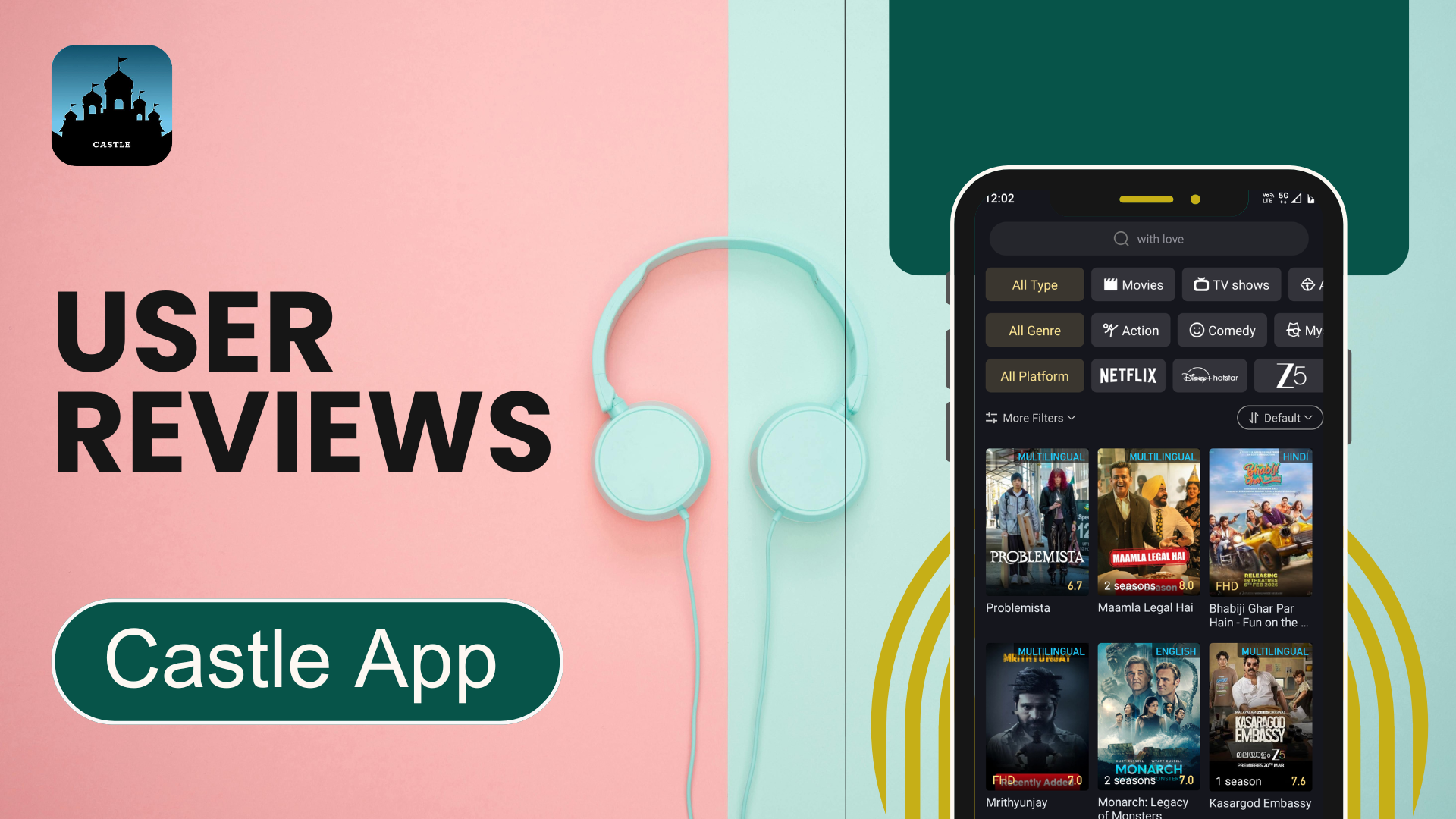
Castle has a number of reasons why it outshines other free applications.Castle is completely free with no subscription required. The APK is lightweight, so it does not take up much storage, and it runs on Android 6.0 and above — covering a wide range of devices.
It has HD streaming. It is of good quality. The app is maintained through frequent updates. Bugs are fixed fast. The interface is easy. It is easy to navigate, even for new users. The question of many users is: Is Castle safe? And as we have already discussed, it is safe when downloaded from the official website. The online Castle review of the app is also favorable. Its reliability and usability are commended by users.
Key Takeaway
Castle is a strong choice for free streaming in 2026. It can be installed easily. It supports Android phones, TVs, and PCs. The recent release, v2.1.0, makes the application more stable and smooth. There is no cost to using it. And it covers a wide range of content. Download the latest v2.1.0 APK from the official website and start watching in minutes.
FAQs
Is Castle APK free of charge?
Yes, Castle is completely free. Just download and watch.
Is it safe to download the Castle APK?
You can be safe provided that you obtain it from the official Castle site. Third-party sources or altered APK files are discouraged since they may be a security threat.
Which version of Android does Castle need?
Castle can support Android 6.0 and beyond, encompassing the enormous range of Android devices currently in use.
Can I use Castle on any other device than phone?
Yes. Castle supports Android TVs as well as a PC with an Android emulator such as Bluestacks or LDPlayer.
Do I require VPN to use Castle?
No VPN is needed. Castle is configured to work on most major networks with no extra configuration.
What should I do if Castle fails to install?
Check that you have at least 200 MB of free storage and that your device runs Android 6.0 or above. Delete any previously downloaded APK and re-download from the official Castle website.
How do I update Castle to the latest version?
Castle does not update automatically. Visit the official website, download the latest APK (v2.1.0), and install it over your existing version. Your data will not be affected.